Drawing
Yu can draw, and nothing needs to be installed for it. The picture appears in the Picture tab as soon as the program runs.
The canvas is a sheet 600 by 400 points. The point 0, 0 is the top left corner: x grows to
the right and y downwards. That is why circle(300, 200, 50) draws a circle in the middle.
Background and a circle
background fills the whole canvas, color sets the colour of the shapes that follow, and
circle draws a circle from its centre and radius.
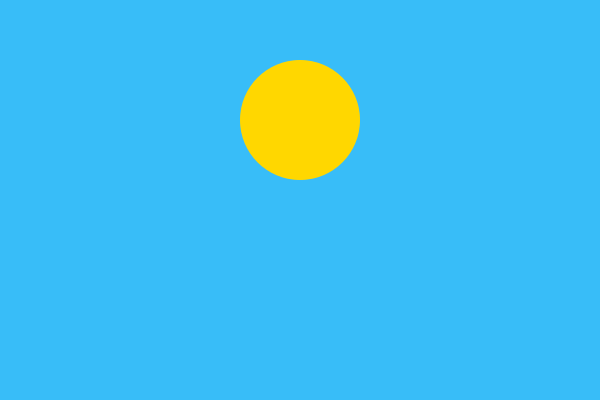
background("lightblue")
color("yellow")
circle(300, 120, 60)
Open in Studio
Write colour names in quotes: "red", "yellow", "blue". Ukrainian names work too, in any
gender form, and so do codes like "#ff8800" and "random".
Rectangles
rect takes the top left corner, the width and the height.
background("lightblue")
color("green")
rect(0, 300, 600, 100)
color("white")
rect(220, 180, 160, 120)
color("brown")
rect(280, 250, 40, 50)
Open in Studio
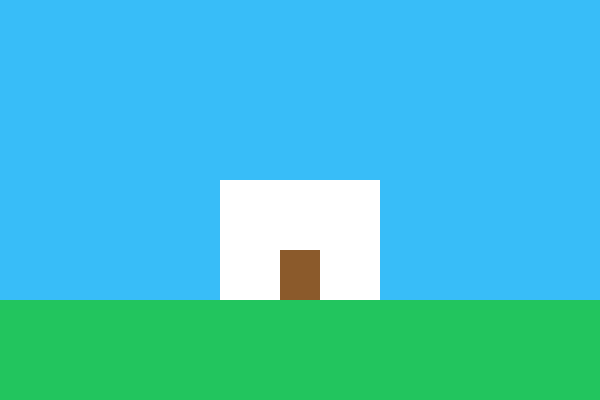
That is a house already: grass, a wall and a door.
Lines and thickness
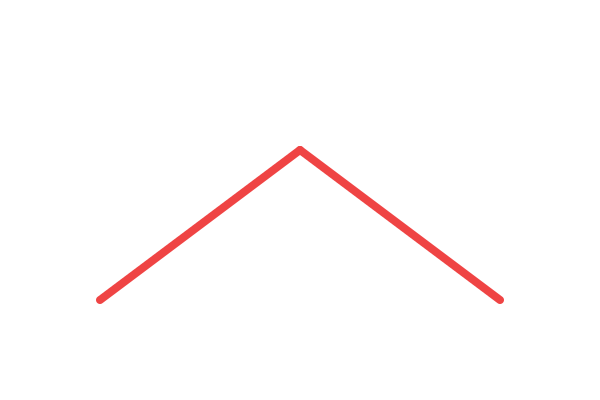
line draws a straight line from one point to another, and thickness says how thick it is.
color("red")
thickness(8)
line(100, 300, 300, 150)
line(300, 150, 500, 300)
Open in Studio
A label and your own canvas
label writes text on the picture itself, and canvas changes the size of the sheet. Call
canvas at the very beginning of the program.
canvas(400, 200)
background("white")
color("blue")
label("Hello from Yu", 90, 90)
Open in Studio

A finished picture can be saved: the SVG and PNG buttons sit above it. In the terminal the same
is done by yu house.yu --svg house.svg.
Try it yourself
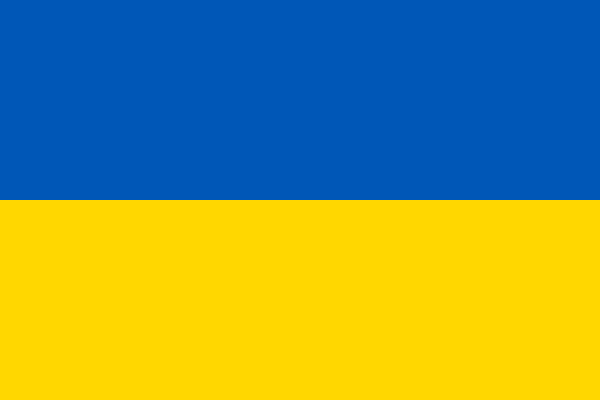
- Draw the flag of Ukraine: a blue stripe on top, a yellow one below.
Show the answer
color("blue")
rect(0, 0, 600, 200)
color("yellow")
rect(0, 200, 600, 200)
Open in Studio
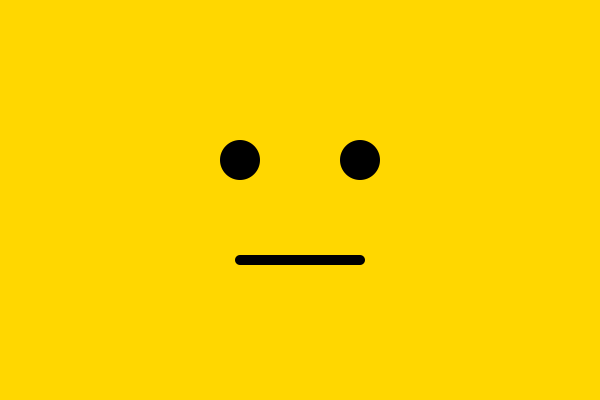
- Draw a face: two eyes and a smile.
Show the answer
background("yellow")
color("black")
circle(240, 160, 20)
circle(360, 160, 20)
thickness(10)
line(240, 260, 360, 260)
Open in Studio